How to put a YouTube video in your brillbox

The brillbox is where the featured image is shown. It is possible to override this and put a video in there instead.

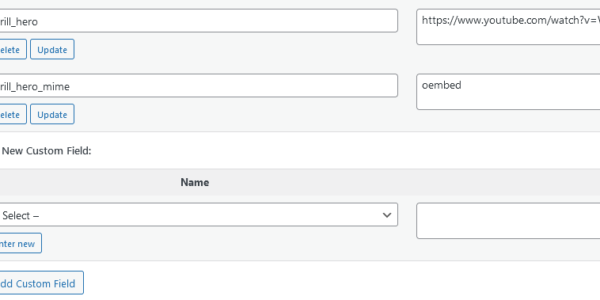
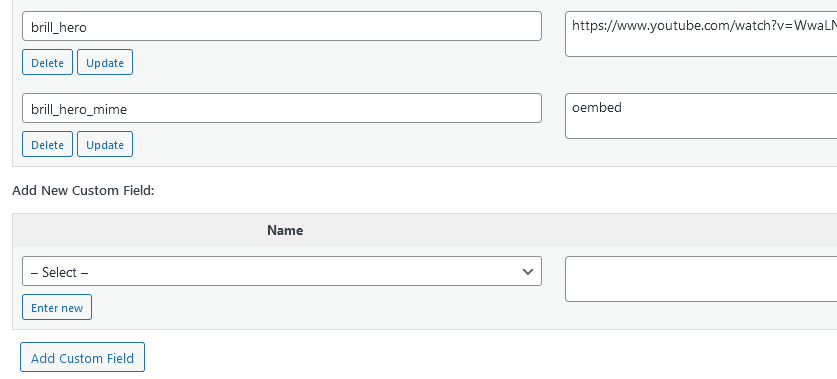
Add two “Custom Fields”.

  1. brill_hero
  2. brill_hero_mime

Use the YouTube link for the brill_hero value and “oembed” (no quotes) for the brill_hero_mime value.

Like this:
Leave a Reply

To respond on your own website, enter the URL of your response which should contain a link to this post's permalink URL. Your response will then appear (possibly after moderation) on this page. Want to update or remove your response? Update or delete your post and re-enter your post's URL again. (Find out more about Webmentions.)